Key takeaways
- AI tools describe your business in a sentence or two, built from your website, listings and reviews. Check what they say, then fix it at the source.
- In our Leicester test, 65% of the sources chatbots cited were directories, review sites and ranking pages. None were Google or Google Maps.
- You can't edit ChatGPT. You can change the pages it reads: your own description, your listings, your reviews and what third parties say about you.
- Live-search answers can shift within weeks of a fix. What the model remembers from training moves far more slowly, so check monthly.
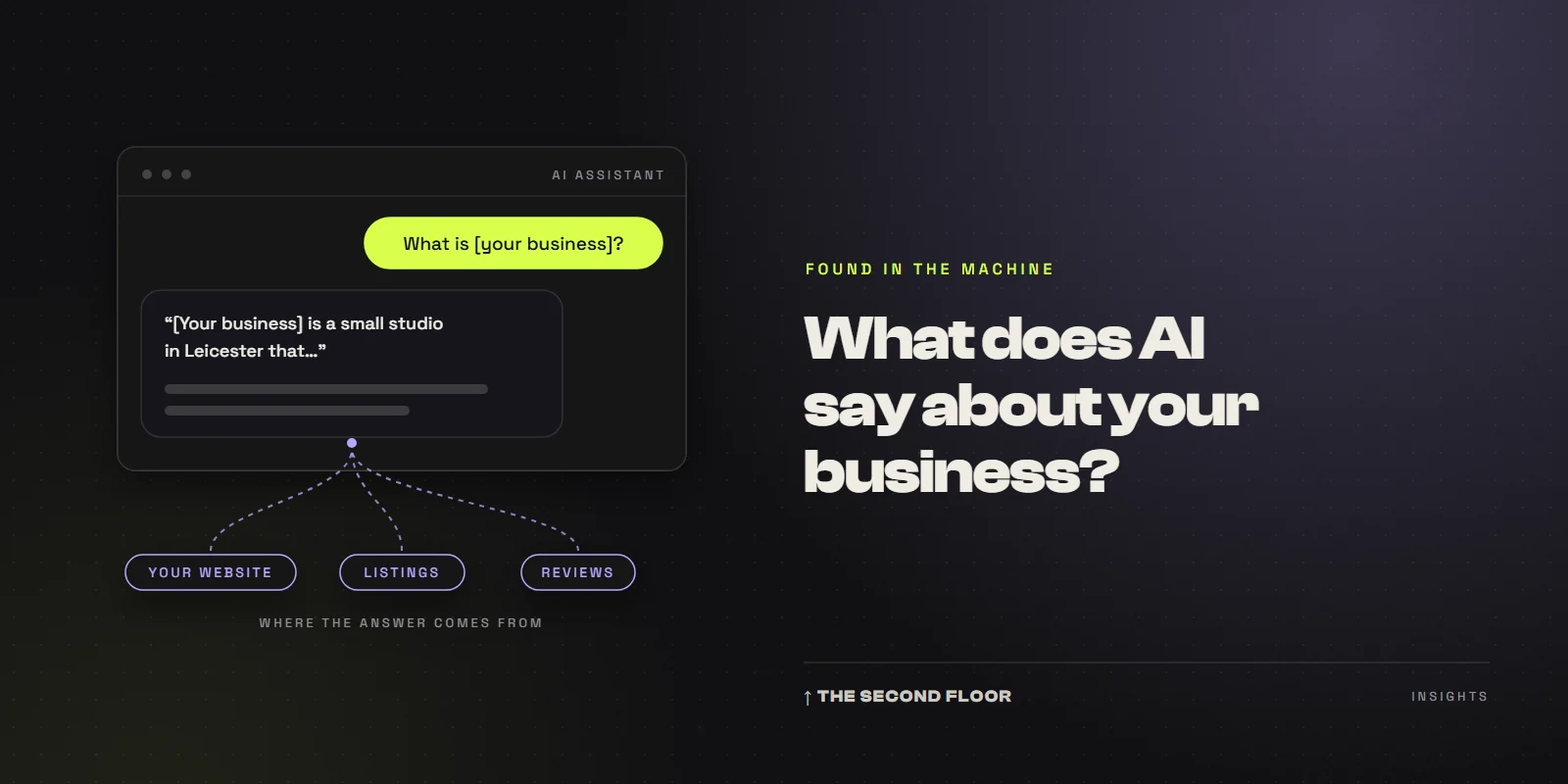
Ask ChatGPT “What is [your business]?” and it will answer in a confident sentence or two. That sentence is now part of your shopfront. It is pieced together from your own website, your listings and what customers say about you, and it is often out of date. You can check it in ten minutes and change it where it starts.
More people now ask an assistant before they ring anyone. BrightLocal’s 2026 survey of US consumers found 45% had used AI tools for local business recommendations, up from 6% the year before. Closer to home, Ofcom counted 1.8 billion UK visits to ChatGPT in the first eight months of 2025, up from 368 million a year earlier.
That raises two questions. The first, whether AI names you when someone asks for the best [what you do] in town, we cover in how to check whether AI recommends your brand. This guide is about the second, which gets far less attention: when a customer already has your name, from a friend, a flyer or a shortlist, what does AI tell them about you?
What does AI actually say when someone asks about your business?
A short summary: what you do, where, who for, how people rate you, and sometimes your hours or prices. It is assembled from whatever pages the assistant can find, and it leans heavily on your own words.
We found this out on ourselves. In October we asked ChatGPT, Gemini and Claude “What is The Second Floor?” All three answered accurately. All three also described us as a creative studio for artists, startups and creative businesses, because that’s exactly what our website said at the time. Nothing false. Just not the SEO and growth work most of our clients actually buy from us.
AI is a mirror with a lag. It repeats the clearest summary of you it can find, and if that summary is three years old, so is the answer.
Which questions should you ask AI about your own business?
Ask what a customer asks once they already know your name. Six prompts cover most of it:
| Prompt | What it tells you |
|---|---|
| “What is [business] in [town]?” | Your one-line description, and whether AI knows what you actually do |
| “Is [business] any good?” or “[business] reviews” | Which review sources it reads, and the tone it picks up |
| “[business] vs [competitor]” | How you are positioned against the firm you lose work to |
| “Is [business] open on Saturdays?” or “Where is [business]?” | Whether your basic facts are current |
| “Does [business] do [service]?” | Whether your full service list is visible, or only your best-known line |
| “Is [business] legit?” or “Who owns [business]?” | The trust signals it can find: company records, reviews, press |
Run each one in ChatGPT with web search on, then Gemini, Perplexity, Claude and Google’s AI Mode, in a private window and a fresh chat each time so your own history doesn’t flatter the result. Screenshot the answers and, most importantly, click the sources. Those links tell you which pages are writing your story. Not sure which questions your customers really ask? Our guide to finding the questions customers ask AI shows where to look.
Repeat it every quarter with the same wording. For a score you can track, the method in measuring your AI search visibility works for brand prompts too.
Where does AI get its description of you?
From pages it can retrieve and trust: your own website, your Business Profile and directory listings, review platforms, local press and “best of” list pages. Which of those carries the most weight depends on the assistant.
Our Leicester study gives a feel for the mix. Across 80 answers from four chatbots about 20 local trades, about 65% of the 535 sources cited were directories, review sites and ranking pages, and about 24% were businesses’ own websites. None were Google or Google Maps.
The tools differ a lot. Gemini’s links went to business websites 41% of the time, ChatGPT’s only 7%. So a sharp About page does the heavy lifting in one assistant, while in another your Checkatrade profile does the talking. More in why ChatGPT, Gemini, Perplexity and Claude recommend different businesses and which review sites AI actually reads.
How do you change what AI says about you?
Change the sources, not the chatbot. There is no edit button for an AI’s opinion of you. There is an edit button for nearly everything it reads. In order:
- Write one plain description and use it everywhere. Something like “[Business] is a [category] in [town] that [does what] for [who].” Put it near the top of your homepage and About page, word for word. Machines reward a sentence they can lift. Our guide to entity SEO explains why one consistent description matters so much.
- Make your facts identical everywhere. Name, address, phone, hours and services should match on your site, Google Business Profile, Bing Places, Companies House and every directory. Bing is the one owners forget, and it feeds Microsoft Copilot: see setting up Bing for AI search.
- Get reviews where AI looks for your trade. For a plumber that might be Checkatrade and Which? Trusted Traders. For a salon, Fresha. Google reviews still drive the map pack, but they did not show up as sources in our test.
- Earn a few honest third-party descriptions. Local press, a supplier’s case study, your trade body’s member directory, the UK directories that influence AI recommendations. Weigh up paid ranking sites with our guide on whether “best in town” lists are worth paying for.
- Publish the answers to brand questions. Prices or price ranges, areas covered, the full service list, opening hours, guarantees. If a customer would ask it, give it a page or a clear section.
- Fix anything that is actually wrong. Closed listings, old addresses, a business with a similar name. That has its own playbook: what to do when ChatGPT gets your business wrong.
- Let the crawlers in. None of this helps if your site blocks the bots that fetch pages for the assistants. See our AI crawler set-up guide.
Notice what isn’t on the list: tricks. Google says there are no extra requirements or special optimisations needed to appear in AI Overviews or AI Mode beyond sound SEO. Be easy to understand and easy to check.
How long before the description changes?
Weeks for answers built on live search, much longer for anything coming from the model’s memory.
When an assistant searches the web, it picks up a corrected page once that page has been recrawled, which can take days or a few weeks. Answers drawn from training data shift only when the model is updated, on a timetable nobody outside the AI companies controls. Answers also vary from run to run, so judge the pattern over a few monthly checks.
What if AI says something negative about you?
Find the page it is quoting, then deal with that page. Usually it’s a real review. Reply publicly and calmly, and fix the problem if it was fair. Your reply becomes part of what the assistant reads next time.
If the review is fake, report it to the platform. Fake reviews have been banned in the UK since April 2025 under the Digital Markets, Competition and Consumers Act 2024, which also requires platforms to take reasonable steps to remove them. If the problem is a mix-up with another business, treat it as an accuracy fix.
Where to start this week
- Run the six prompts above in four assistants and save the answers.
- Write your one-line description and paste it onto your homepage, About page and Business Profile.
- List every source cited and tick off the ones you control.
- Pick the one review platform your trade’s answers lean on and start asking every customer to use it.
If you’d rather we did the checking, our free growth review shows what Google, Google Maps and the main AI assistants say about your business today, and the handful of fixes that would change it fastest. It’s the groundwork behind our SEO and AEO service and our work for Leicester businesses and trades. The bigger picture is in our guide to answer engine optimisation, and if you’re weighing up outside help, here’s how to choose an AEO agency without getting sold a fairy tale.