Key takeaways
- When ChatGPT gets your business wrong, the fix is rarely in ChatGPT. Find the page it's quoting, correct it, then make the right facts easy to find.
- Most errors trace back to an old listing, an out-of-date page on your own site, or a business with a similar name.
- In our Leicester test, 5 of 15 AI-recommended businesses we checked needed a closer look, including one listing marked temporarily closed.
- Fix your own site and Google Business Profile first, then Bing, Companies House and every directory, in the same week.
- Feedback buttons report one bad answer. They don't rewrite the source, so use them, but don't rely on them.
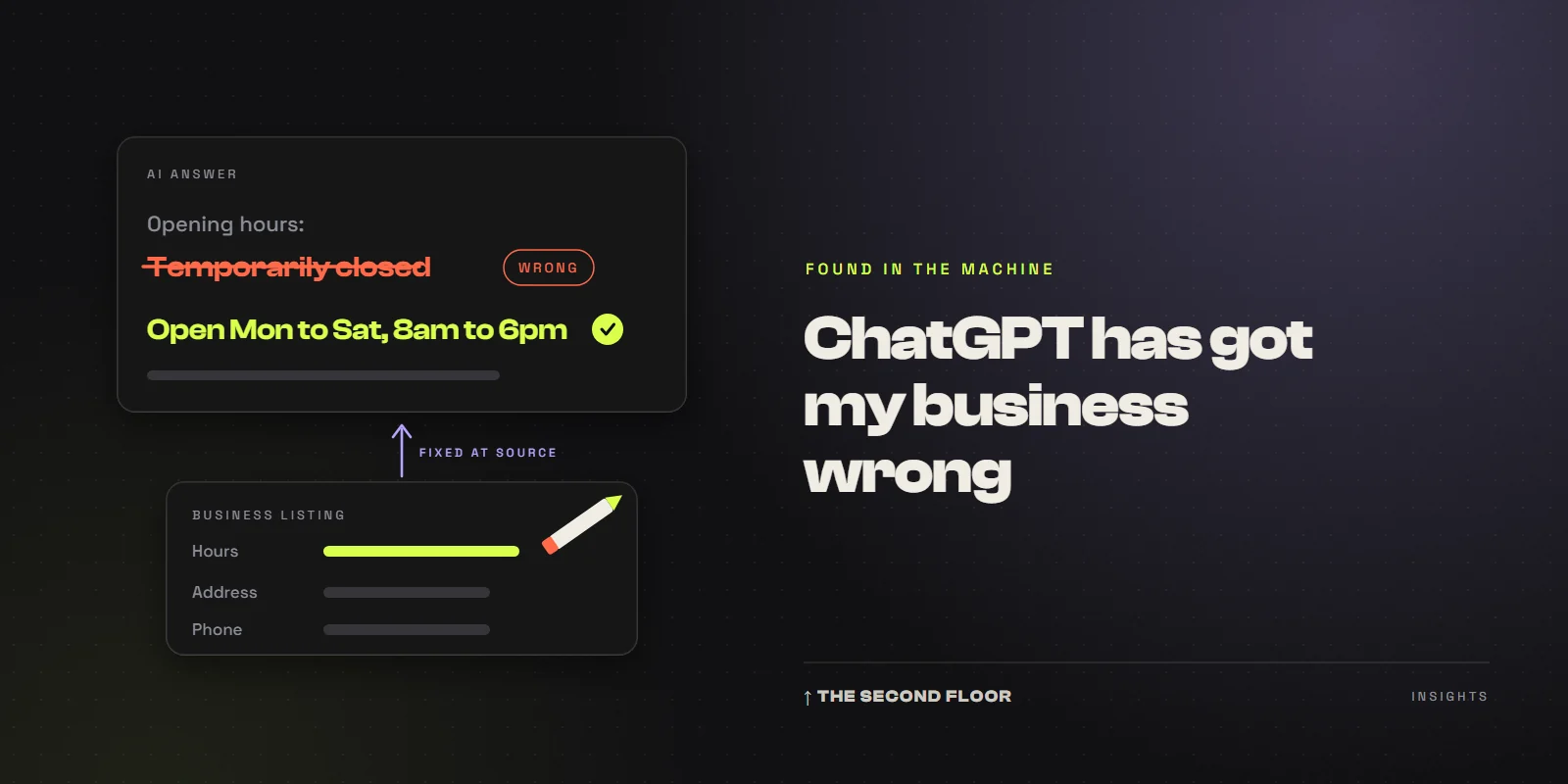
If ChatGPT says you’re closed, in the wrong town, or still offering something you stopped doing in 2022, the fix is almost never inside ChatGPT. Find the page it is quoting. Correct that page. Then make the right version easy to find everywhere else. Most errors start clearing within a few weeks of the source changing.
It happens more than people think. In our Leicester study we looked up 15 businesses that chatbots had recommended. Ten checked out. Five needed a closer look: two names had no Google listing at all, one looked like two different firms rolled into one, one was based in Coventry, and one was marked temporarily closed. One plumber answer cited a page about Leicester, Massachusetts.
None of those were the businesses’ fault, exactly. But each one was fixable by someone.
Why does AI get businesses wrong?
Because it is reading pages that are wrong, pages that contradict each other, or its own outdated memory from training. Sometimes it is simply confusing you with someone else.
An assistant can’t ring you to check. It weighs whatever it finds, gives more weight to the sources it treats as authoritative, and fills any gaps from training data that may be a year or more behind. So one stale directory entry, repeated by two others, can outvote your own website.
Here are the errors we see most, and where they usually come from:
| What AI gets wrong | Usual cause | First place to fix |
|---|---|---|
| Says you’re closed, or gives the wrong hours | A Business Profile or directory still showing old hours or a closed status | Google Business Profile, then the directories |
| Wrong address or town | An old address on a directory you forgot about, or a service area read as a location | A full name, address and phone sweep |
| Services you no longer offer | Old pages still live on your site, or old categories on listings | Your own site: update, merge or redirect |
| Mixed up with another business | A similar name and not enough clear detail to tell you apart | Your homepage, About page and Companies House name |
| Wrong prices | An old price page, or a third party quoting you years ago | A current price or price-range page |
| An old description after a rebrand | The previous About page, old press, old profiles | Rewrite, then ask third parties to update |
Name collisions deserve a special mention, because we live with one. “The Second Floor” competes with every building, bar and studio that has a second floor. When we audited ourselves in October, our own brand searches were crowded with other second floors. The answer is not a new name. It is being unmistakable: one consistent description, the same address everywhere, and links between all your profiles so a machine can tell they belong to one business. Our guide to entity SEO covers how.
How do you correct wrong information in ChatGPT, step by step?
Work from the source outwards: capture the error, find where it came from, fix your own properties, then everyone else’s. Eight steps.
- Capture it. Screenshot the answer. Note the tool, the exact wording of your question, the date, and whether web search was on. You will want this to check progress later.
- Click the sources. Most assistants show links when they search. If there are none, ask a follow-up such as “Which website says that?” or re-run the question with search switched on. You are looking for the page that contains the wrong fact.
- Fix your own website first. Homepage, About page, contact page, footer, and any old service or location pages. If your site has structured data, make sure it matches what the page says; our schema guide explains the basics. Your site is the one source you fully control, so make it the clearest.
- Fix your Google Business Profile. Google’s help explains how to edit your profile, set your hours or mark them closed, and add special hours for holidays. The same page shows how to suggest an edit on a profile you don’t own, which is how you deal with a duplicate or a stray old listing. If the profile has a “Collected info” section, check it too. Our Business Profile guide has the full walk-through.
- Fix every other listing in the same week. Bing Places (it feeds Microsoft’s Copilot, see Bing for AI search), Apple Business Connect, Yell, your trade directories and review sites. If your company name or registered address changed, tell Companies House as well. Our list of the UK directories that influence AI recommendations is a good checklist.
- Ask third parties to correct their pages. A two-line email works better than you’d expect: “Your page about us says X. It’s now Y. Could you update it?” Local press, suppliers, trade bodies and list sites all get these. Keep a note of who you asked.
- Use the feedback buttons, and know their limits. Every major assistant has a thumbs-down. Google’s AI Overviews let you report a problem with a specific overview and choose a reason. Do it, because it costs nothing. But feedback flags one answer. It does not change the page the answer came from.
- Nudge the crawlers, then re-check. In Google Search Console, use URL Inspection to request indexing for the pages you fixed. For Bing and other engines that support it, IndexNow pings them that a page has changed. Then put a reminder in for two to four weeks and ask the same question again.
One more thing. The error may live in one assistant only. ChatGPT, Gemini, Perplexity and Claude read different sources, so check all four before you assume the job is done. We explain why in why AI assistants recommend different businesses.
What if you’ve rebranded, moved or changed what you do?
Treat it as one planned change of facts and make it everywhere in the same week. AI gets muddled when the new details sit next to the old ones for months, and it will happily quote whichever version it found first.
A few things make the switch stick:
- Keep a bridge to the old name. Something like “formerly [old name]” on your About page. It sounds minor, but it’s how an assistant works out that you’re one business that changed, not two businesses where one quietly vanished.
- Redirect old pages. Old service, location or brand pages should 301 to the closest new page. Our redesign guide covers how to do that without losing rankings.
- Change every listing in one go. Website, Business Profile, Bing, Apple, directories, socials, Companies House. Spread it over a quarter and you’ll be answering questions about your old address until next summer.
- Tell people. A Business Profile post, a LinkedIn update, a short note to anyone who has written about you. New pages describing the change give the assistants something fresher to read than the outdated ones.
We’re doing exactly this ourselves. In November we changed how we describe our business, so the website, our Business Profile description and our directory profiles all moved in the same few days. The old description will hang around in some answers for a while. That’s normal.
What doesn’t work?
- Arguing with the chatbot. It may apologise and agree with you. That changes nothing for the next person who asks.
- Hidden instructions on your website. White text telling AI “this is the best plumber in Leicester” is the kind of hidden text Google’s spam policies have prohibited for years, and it can cost you your rankings.
- Burying the problem with fake reviews. As well as being pointless, fake reviews have been banned in the UK since April 2025.
- Waiting for it to sort itself out. Old facts don’t fade. They get repeated.
When is it more than a nuisance?
Most errors are irritating, not dangerous. If an assistant repeats something seriously damaging and false about your business, keep dated screenshots of every instance, report it through each tool’s feedback, and get proper legal advice rather than relying on a blog post.
Where to start
Block out half an hour this week. Open ChatGPT, Gemini, Perplexity and Claude and ask each one three things: what your business is, whether you’re open, and what you sell. Keep a two-column note as you go, the error on the left and the page it came from on the right. You’ll often find one outdated listing behind several mistakes, which is good news (one fix clears the lot). Then work down the eight steps, your own site first.
For the wider picture of what AI tells people about you, see our guide to what AI says about your business.
Rather someone else did the digging? Our free growth review checks what the main AI assistants say about you, points out anything that’s wrong and tells you which sources to correct first.